
DiskWarrior and the Progress of macOS Filesystems
Apr 14, 2026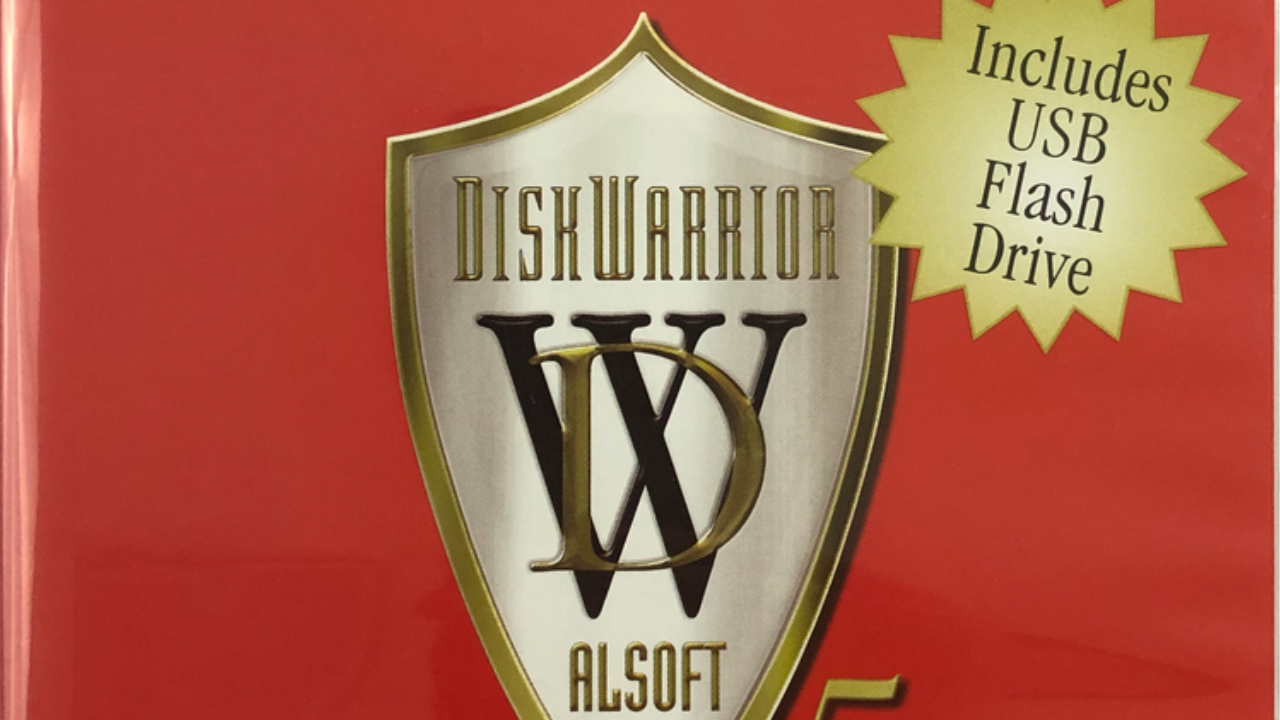
In the 2000s, it was standard operating procedure to destroy your Mac using LimeWire to pirate music and software. Sooner or later, it would cause so many issues with the filesystem, the machine wouldn’t boot, wouldn’t mount storage even through Target Disk Mode, and oftentimes Disk First Aid was unable to repair the disk sufficiently to retrieve data.
At the time, I was never able to conclusively determine what it was, specifically, about LimeWire and its siblings like Gnutella that caused so many issues with HFS+ so consistently. All we had was a very strong correlation. Current-day research suggests it was a combination of:
- LimeWire's Java underpinnings and how the software managed incomplete downloads, partial file writes, renames, and temporary file usage handling
- Issues in early OS X versions' ability to handle rapid concurrent file creation, growth, and truncation
- Issues in early OS X versions' HFS+ allocation and extent code triggered by operation of LimeWire
That’s where Alsoft’s DiskWarrior came in. For transparency, this is not a sponsored post. DiskWarrior has been around nearly forever in tech timeframes, nearly 30 years. My first experience with it was likely in the 2003 timeframe, around the time I went to formal technician training over the summer. It was sold in a box, as was the style at the time, on a CD with a bootable version of macOS to facilitate its seemingly magical rebuilding process. And it worked absolute wonders.
This was at a time where digital photos were increasing in popularity, but the most important data sets for most customers were their documents and iTunes library (where a large portion of the music was likely pirated to begin with). Time Machine backup didn't exist yet; tools like the Backup app included with .mac for storing files on iDisk and Carbon Copy Cloner for local disk backups were the tools of the trade. Howard Oakley has a great write-up on the history of Time Machine at The Eclectic Light Company.
Depending on the level of damage to the disk structure, frequently an archive-install of OS X was required to get the unit bootable, and not every file would be accessible in every case. The overlapped extents and volume bitmap errors frequently resulted in meaningful data loss even when DiskWarrior was able to get the disk technically "functional" again. Still, the cost for DiskWarrior was almost universally worthwhile when appropriate, and I plan to buy DiskWarrior 6 when it, hopefully, is released with support for rebuilding APFS-formatted disks.
With the gradual transition from hard disk to solid state as the primary storage medium (and the Fusion Drive helping to bridge the gap), the transition to a new filesystem was increasingly necessary. APFS was announced in 2016 and went live on iOS in March 2017 and macOS in September 2017. Even prior to the launch of APFS, the reliability of HFS+ was markedly improved, in practical terms, likely due to both software engineering progress in addition to the overall increase in the reliability of DRAM and reduction in 'spontaneous' corruption.
Anecdotally, filesystem damage on modern-day macOS and iOS devices is significantly less common than in decades past. The most common contemporary source of filesystem reliability issues and data loss appear to be related to solid state storage used consistently near capacity resulting in impaired wear leveling and correlated APFS inconsistency. Occasional memory failures can cause unexpected corruption, but reliability of DRAM has increased consistently over time. For maximum reliability and data integrity on your devices:
- Purchase higher storage capacity than predicted to be needed to reduce disk wear
- Free up space on your device as soon as practical if presented with a low space message
- Have at least one backup of your important data, ideally two or more depending on importance
A friend and client recently experienced a failure of an OEM Samsung SSD in her Lenovo ThinkPad. Samsung's SSDs are very well regarded, but no device is impervious to failure. The exact failure mode for the drive was not known, though the computer worked flawlessly after replacing the disk. When working with a data recovery company, the quote to perform data recovery as much as they could, was between $3000 and $4000. Thankfully, she was able to retrieve the majority of the information on that disk from other sources, and what needed to be recreated was not worth the investment in data recovery.
Preparation with a consistent and reliable backup strategy is not flashy or fun. It's very similar to consistent car maintenance. The costs are relatively predictable with recommended service intervals, though it's easy to put off until a more convenient time because "everything is working fine". Unexpected problems are inevitable, but consistent backups and consistent car maintenance can reduce the frequency and make managing problems less frustrating when they do arise.